A menu-bar app for macOS

Let it snow
on your Mac.

Live weather right on your desktop. Snow that piles up on your windows, your Dock and the bottom of the screen — plus rain, sakura, leaves, fireflies and starfall.

Download for macOS Windows — coming soon
$10 · one-time purchase macOS 13+ · Apple Silicon & Intel
FinderFileEditViewGoWindow Sat 9:41
Winter plans

Winter plans

This desktop is live — play with it. Switch effects in the Glimmer panel. Drag the window and flick it. Sweep the snow with your cursor. Grab a handful and roll it into a snowball — stack three and you get a snowman. Right-click to smash.

Demo

See it in action

Real snow on a real desktop — recorded exactly as it looks on your Mac.

Features

Weather that actually lives on your desktop

Not a wallpaper video. Every flake is real and reacts to your windows, your Dock and your cursor.

Snow really piles up

On top of your windows, on the Dock and along the bottom of the screen — drift by drift.

Toss it with a window

Flick a window and the snow on it flies into the air and falls back. Make a window narrower and the snow spills off the edge.

Play with your cursor

Sweep snow off with the mouse, roll snowballs and build little snowmen right on your desktop.

Gnomes & a snowplow

Little gnomes come with a cart to clear your Dock, and a snowplow drives by to clean up the floor.

Wallpapers that match

Each effect comes with its own 4K wallpaper — or pick your own picture for every effect.

Light on your Mac

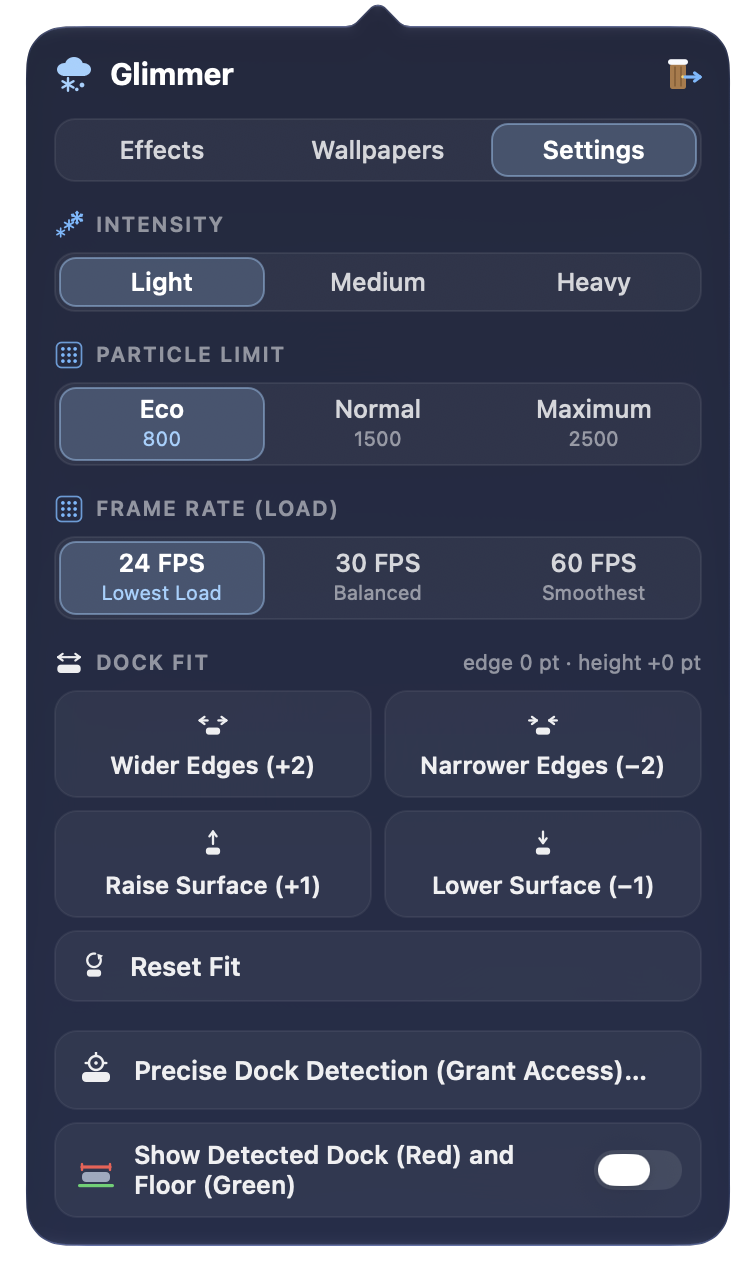
Choose 24, 30 or 60 FPS, the intensity and a particle limit. Around 10% CPU at 24 FPS.
Six effects. One click.

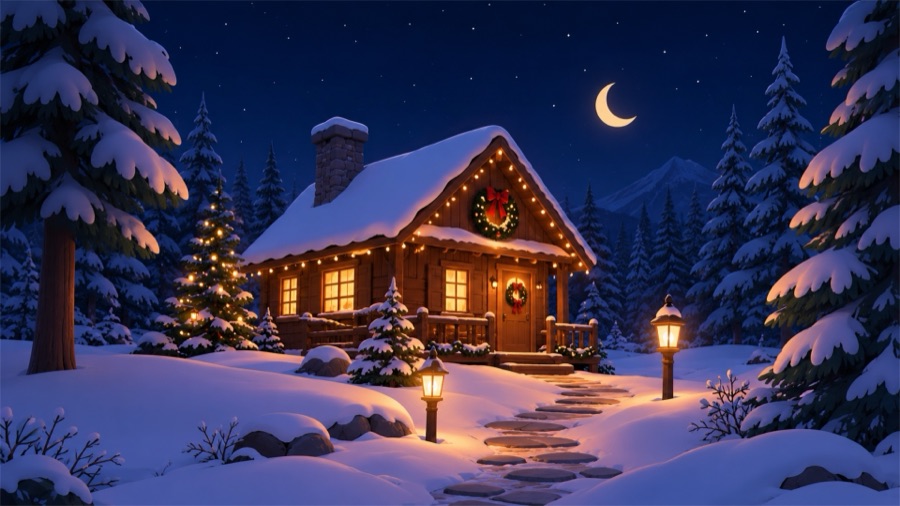
Snow effect wallpaper: cozy cabin in a snowy forest
SnowPiles up, gets tossed, gets swept
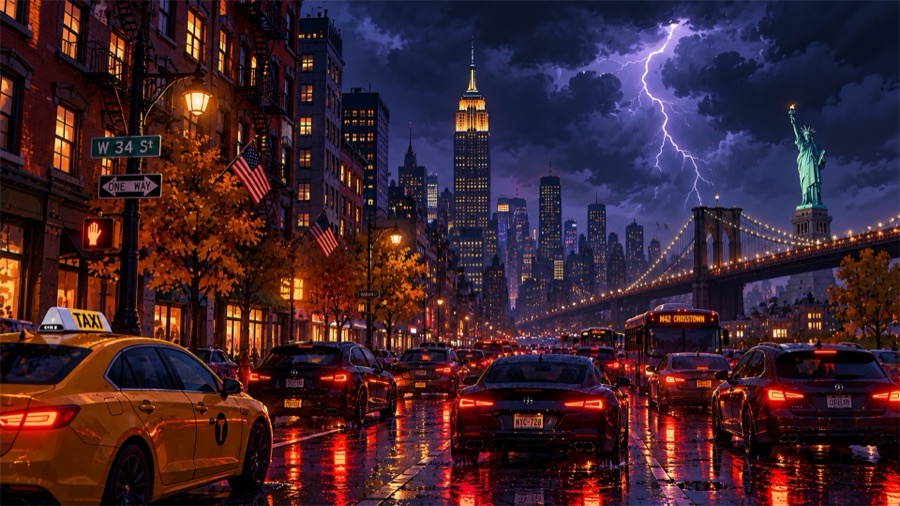
Rain effect wallpaper: stormy city at night
RainStreaks, splashes and thunder light
Sakura effect wallpaper: cherry blossoms and a red gate at night
SakuraPetals drifting in a spring breeze
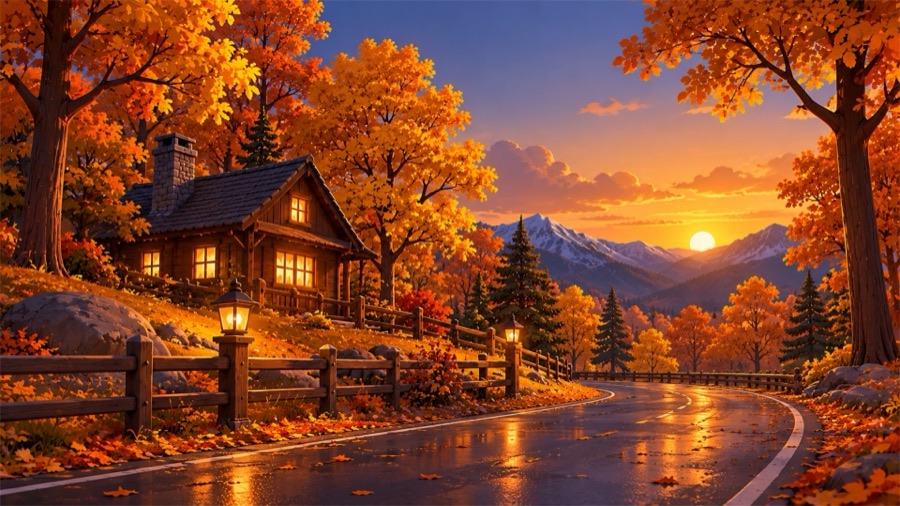
Leaves effect wallpaper: autumn road at sunset
LeavesAutumn leaves tumbling down
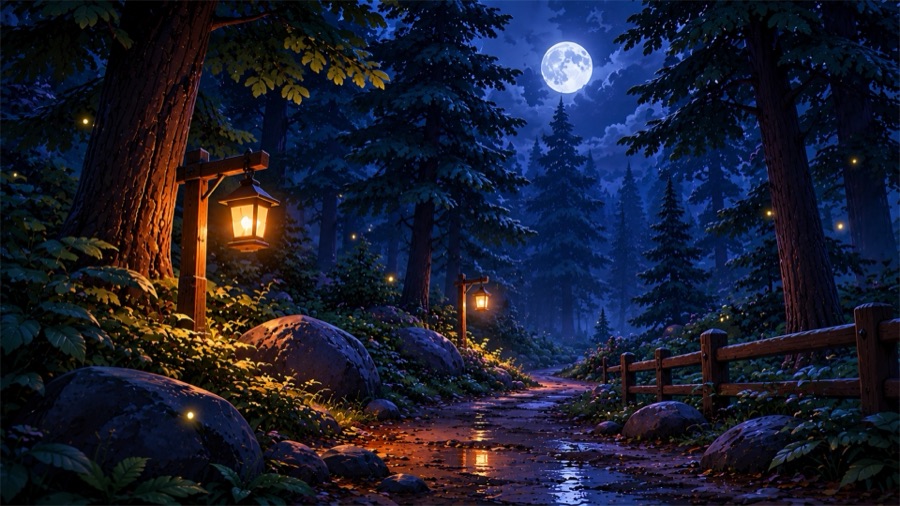
Fireflies effect wallpaper: lantern-lit forest path
FirefliesSoft glowing lights at night
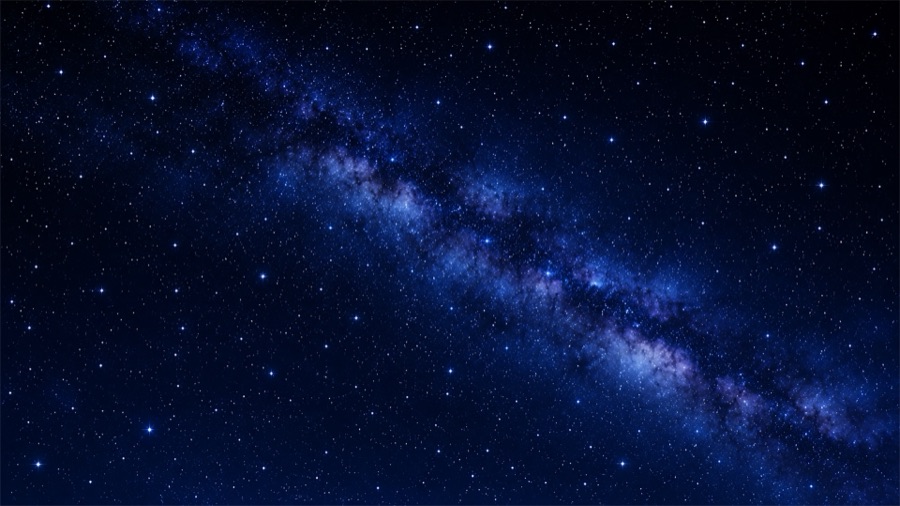
Starfall effect wallpaper: the Milky Way
StarfallShooting stars across the sky
Menu bar

Everything in one little panel

Click the Glimmer icon in your menu bar. Three tabs — Effects, Wallpapers and Settings — and nothing else to learn.
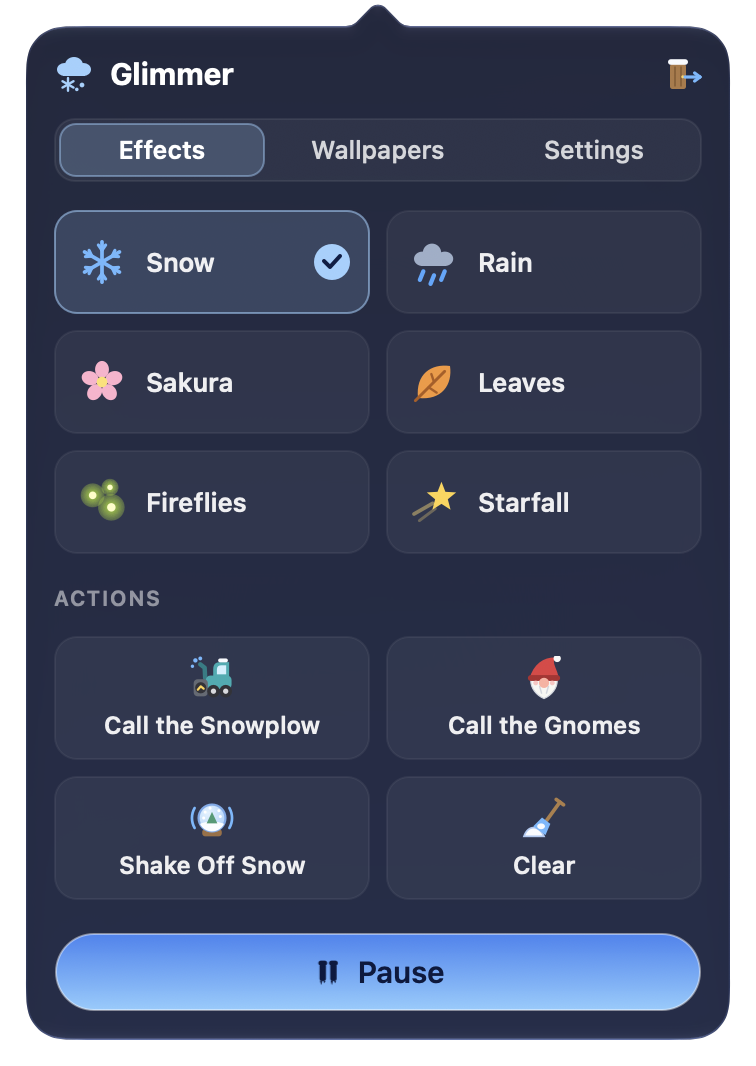
Glimmer panel, Effects tab: six effects, actions and a Pause button
Effects tabPick an effectSwitch between six effects and call the snowplow or the gnomes whenever you like.
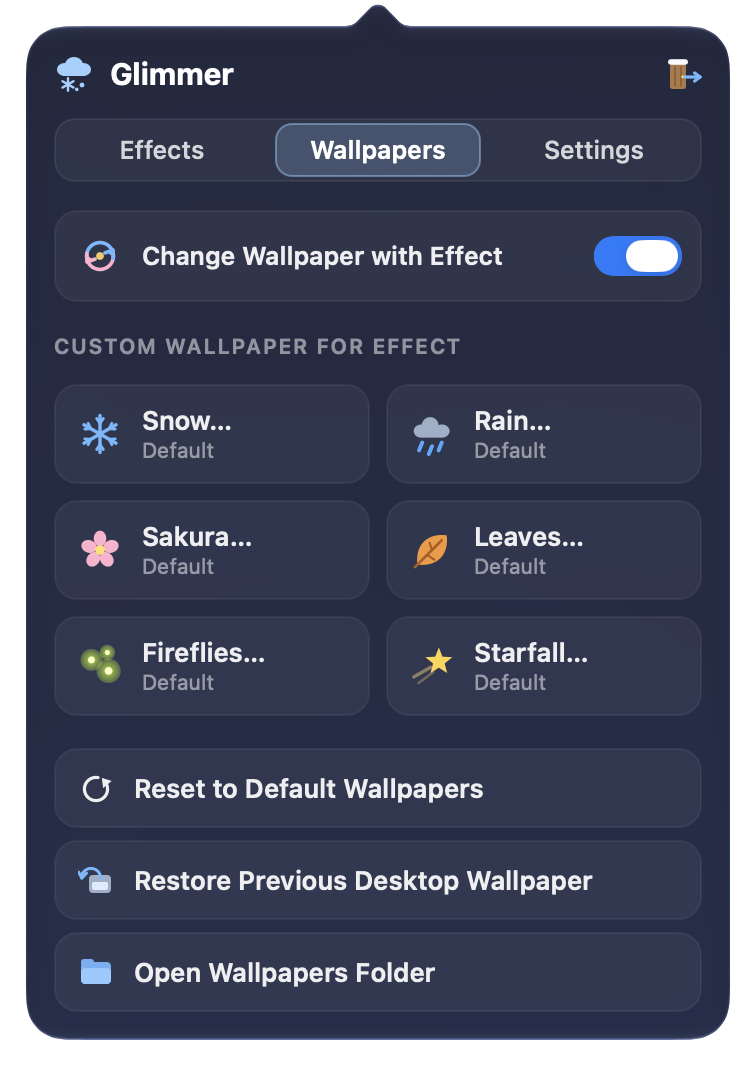
Glimmer panel, Wallpapers tab: automatic wallpapers and a custom wallpaper per effect
Wallpapers tabWallpapers to matchKeep the bundled wallpaper for each effect, or set your own for every one of them.
Glimmer panel, Settings tab: intensity, particle limit, frame rate and Dock fit
Settings tabTune performanceFrame rate, intensity and particle limit. Keep it light, or go all-in on a blizzard.
Pricing

Pay once. Keep it forever.

No subscription, no account, no ads.

Lifetime license
$10one-time
Download for macOS Windows — coming soon

After payment, your activation code arrives by email. Paste it into Glimmer — done.

macOS 13 Ventura or later · Apple Silicon & Intel

  • All six effects: Snow, Rain, Sakura, Leaves, Fireflies, Starfall
  • Snow that piles up on windows, the Dock and the floor
  • Gnomes, snowplow, snowballs and snowmen
  • Six 4K wallpapers + your own per effect
  • Performance controls: 24 / 30 / 60 FPS
  • All future updates of this version
Install

Up and running in a minute

  1. Download the DMGClick “Download for macOS” and open Glimmer.dmg.
  2. Drag to ApplicationsDrop Glimmer onto the Applications folder.
  3. First launchGlimmer isn’t from the App Store, so macOS asks to confirm: right-click Glimmer → Open. Or go to System Settings → Privacy & Security → Open Anyway.
  4. Enter your codePaste the activation code from your email. Let it snow.
FAQ

Questions

Is it a subscription?

No. You pay once and the license is yours forever.

Will it slow down my Mac?

Glimmer uses about 10% CPU at 24 FPS. You can lower the frame rate, intensity and particle limit at any time, or pause it with one click.

Which Macs are supported?

Any Mac with macOS 13 Ventura or later — both Apple Silicon and Intel.

Is it in the App Store?

No — Glimmer is downloaded from this site. That’s why macOS asks you to confirm the first launch.

Can I use my own wallpapers?

Yes. Every effect can have its own picture, or keep the bundled 4K wallpapers.

Ready for a snow day?

Download for macOS Windows — coming soon
$10 · one-time purchasemacOS 13+ · Apple Silicon & Intel